
Download Timed Shutdown – Computer Power Management, Schedule Shutdown, Sleep Computer, Restart Computer, Hibernate Computer, Power Schedule, Automated Computer Tasks
Overview
Timed Shutdown is a utility application designed to streamline computer power management through automated scheduling. It enables users to set their systems to perform specific actions—such as shutting down, sleeping, restarting, or hibernating—at predetermined times. This functionality addresses common user challenges like forgetting to power off devices, which can lead to unnecessary energy consumption and reduced hardware lifespan. The app is particularly beneficial for individuals seeking to automate routine tasks without manual intervention, including remote workers, students, and home users who run computers overnight or during extended sessions.
By integrating seamlessly into daily routines, Timed Shutdown promotes energy efficiency and device longevity. Its background operation ensures that scheduled tasks run without disrupting active workflows. The application is especially useful for scenarios such as scheduled system updates, overnight downloads, or ensuring that computers are turned off after a set period of inactivity. In the broader context of utility software, Timed Shutdown fills a niche by offering a focused, reliable solution for power state automation, making it a valuable tool in personal and professional computing environments.
Key Features & Functionality
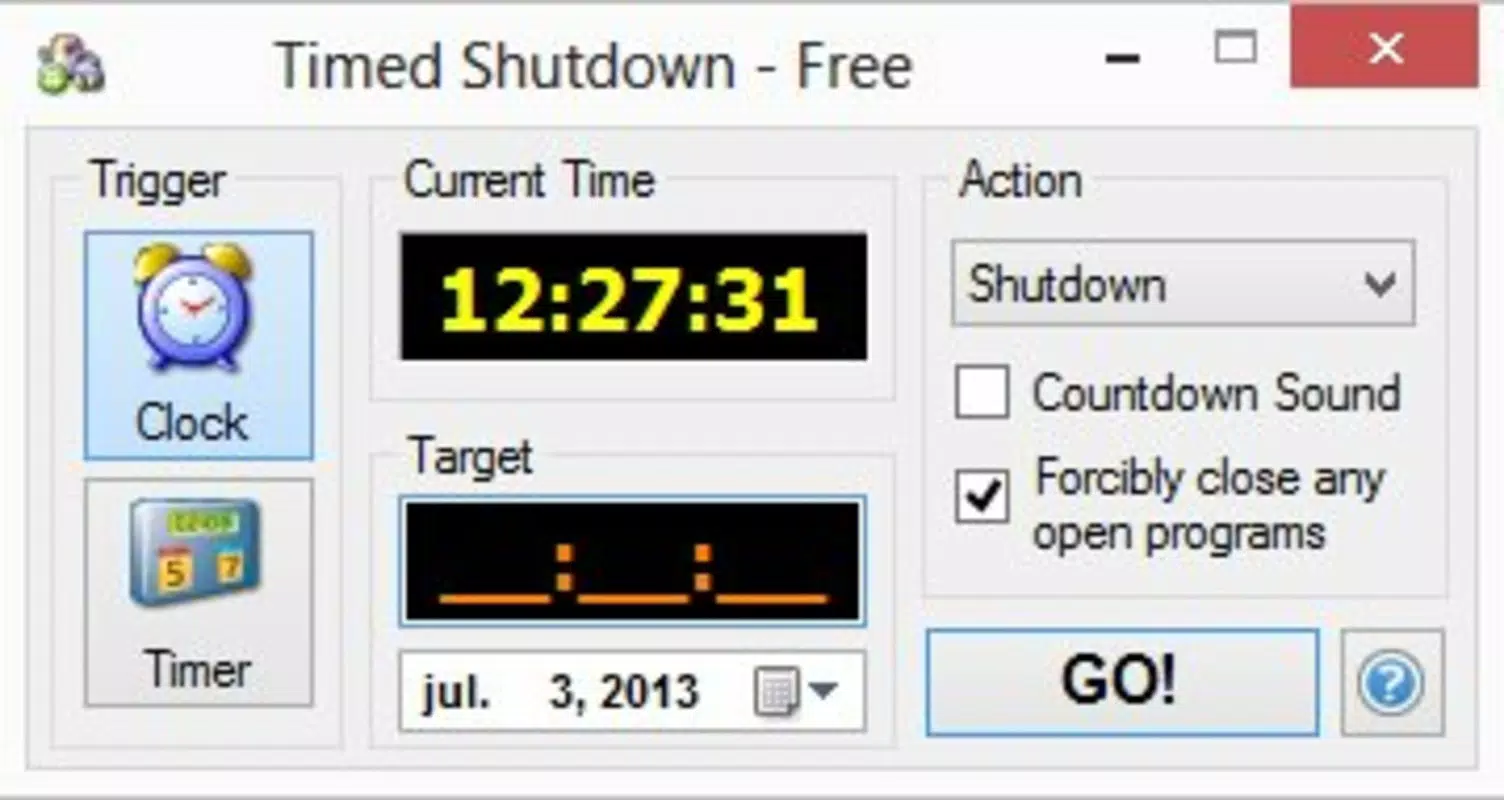
- Scheduled Power Actions: Users can set precise times for their computer to shut down, sleep, restart, or hibernate. This feature is ideal for automating end-of-day routines or ensuring systems are powered off after long sessions.
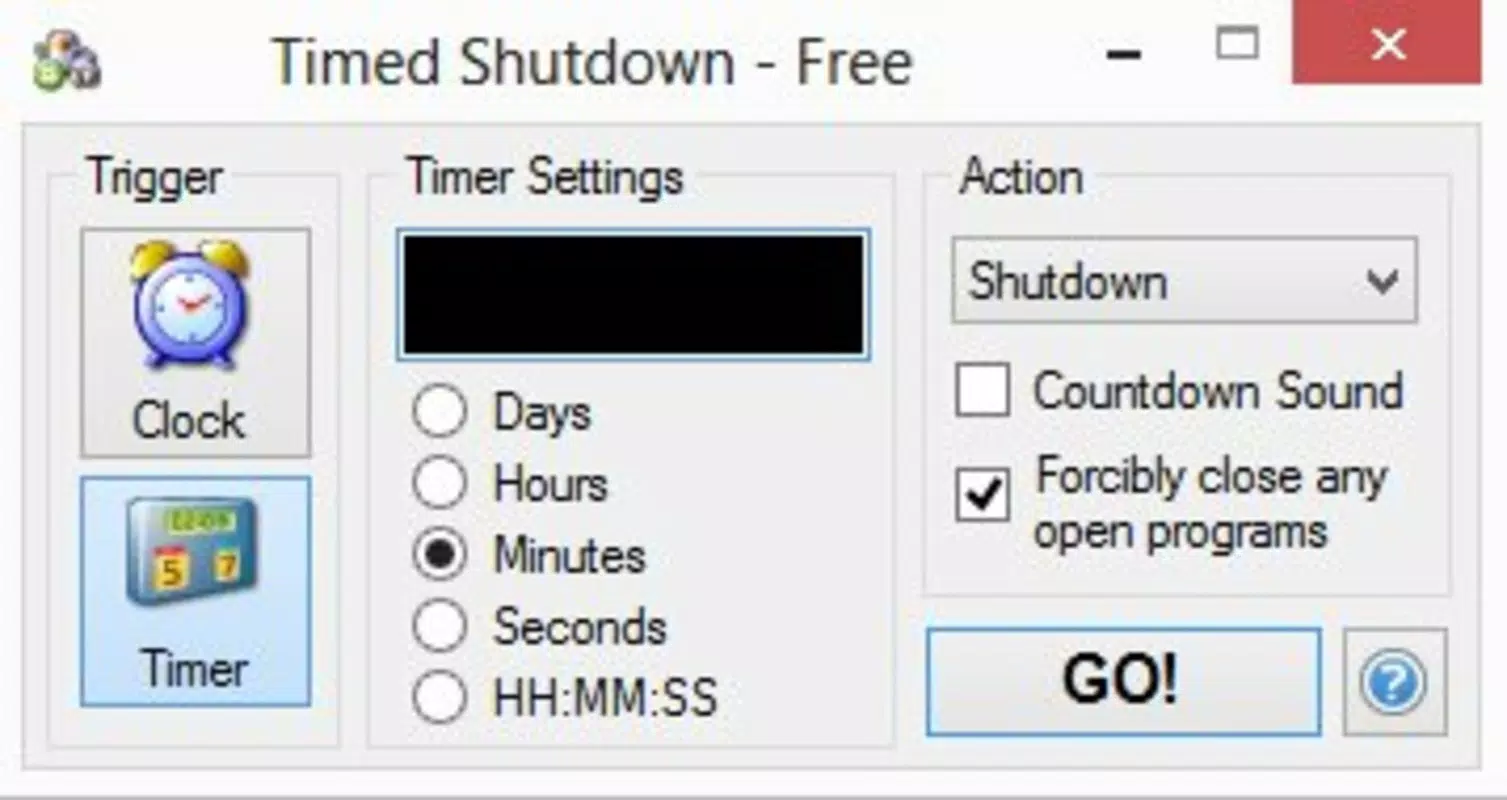
- Customizable Settings: The app allows adjustments to timing intervals, action types, and system behavior, enabling users to tailor the automation to their specific workflows and preferences.
- Background Operation: Timed Shutdown runs silently in the background, monitoring scheduled events without interfering with other applications or system performance.
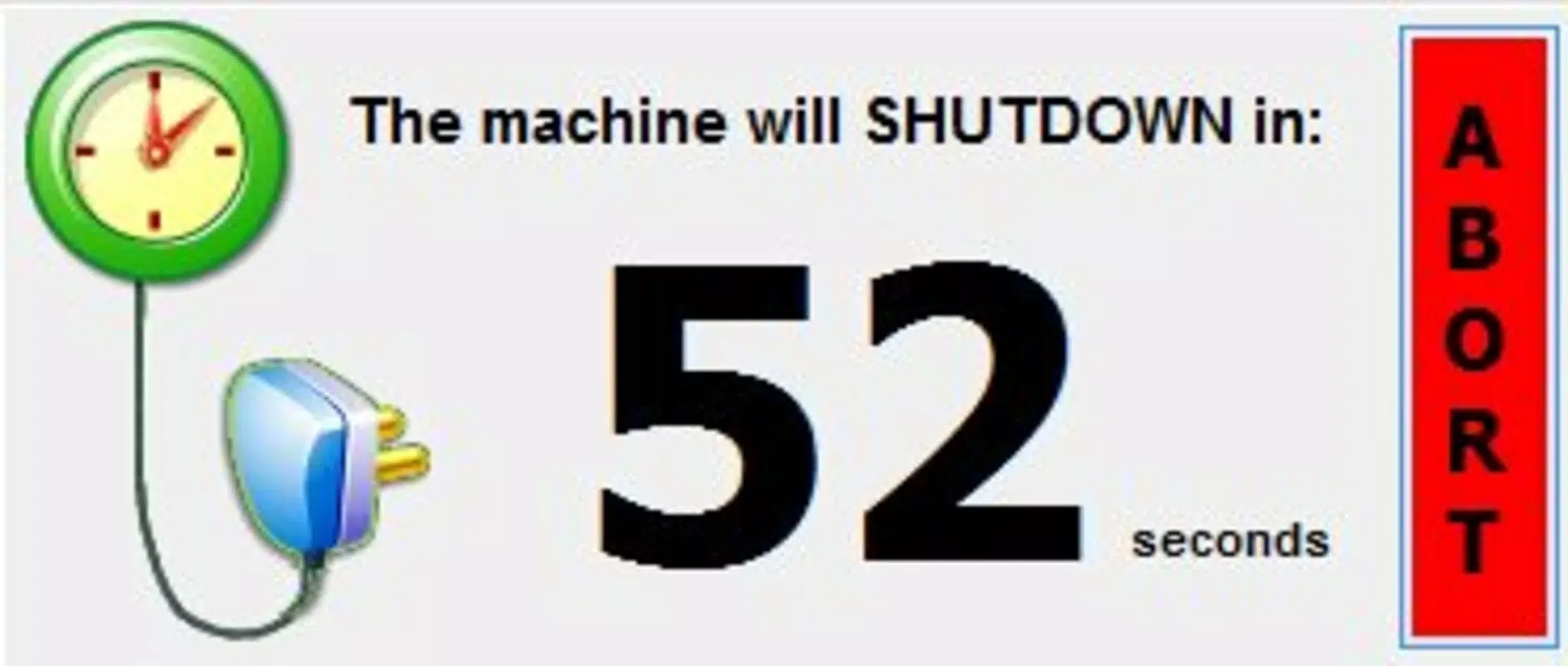
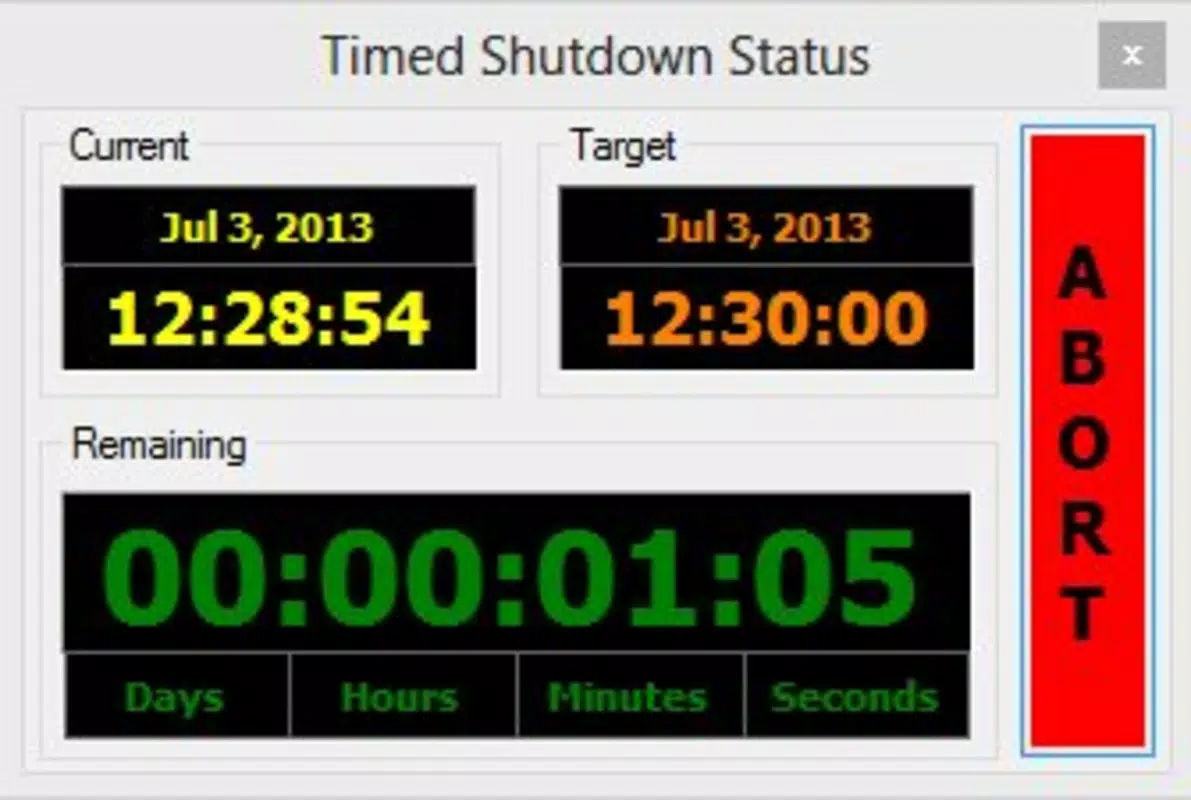
- Countdown Abort Feature: If a scheduled action is imminent, users can cancel it via a countdown timer, providing flexibility and preventing unintended shutdowns or restarts.
- Internet Sign-Off Option: The application can automatically disconnect from the internet at scheduled times, helping users reduce digital distractions or manage online presence effectively.
For example, a student might schedule their computer to shut down at 11 PM to encourage better sleep habits, while a remote worker could set their machine to restart every Sunday morning to apply updates. Similarly, a user running a long download can set the system to sleep after completion, conserving energy. These real-world applications highlight the practicality and versatility of Timed Shutdown in everyday computing.
Interface, UX & Performance
The user interface of Timed Shutdown is designed for simplicity and clarity, focusing on core functionality without unnecessary complexity. Navigation is straightforward, allowing users to access scheduling options, view active timers, and adjust settings with minimal steps. The visual style emphasizes usability, with clear labels and intuitive controls that support quick configuration.
Performance is optimized for stability, with the application operating efficiently in the background. Although the developer did not list formal performance metrics, the app is reported to consume minimal system resources, ensuring it does not impact the host machine’s responsiveness. The interface remains responsive across different screen sizes and resolutions, though specific device compatibility details were not disclosed. Users can expect consistent behavior when scheduled actions are triggered, with reliable execution even after system restarts.
Platform Compatibility & Technical Requirements
The application is designed for computer systems, though the specific platform (e.g., Windows, macOS, Linux) was not provided by the developer. Similarly, no minimum operating system version or file size was listed. The developer did not specify compatibility requirements, including whether the app supports 32-bit or 64-bit systems.
Given that the app has been available since 2013, it may be compatible with older operating systems, but users should verify system requirements independently. The lack of detailed technical specifications means that installation and operation should be approached with caution on newer or less common platforms. Users are advised to consult official sources for up-to-date compatibility information.
Pros and Cons
Pros
- Efficient automation of computer power states without manual input.
- Supports multiple actions: shutdown, sleep, restart, and hibernate.
- Background operation ensures no disruption to ongoing tasks.
- Countdown abort feature provides user control and peace of mind.
- Additional option to disconnect from the internet at scheduled times.
Cons
- Developer did not provide information on platform compatibility.
- Specific system requirements, such as OS version or file size, were not disclosed.
- No details on update frequency or future development plans.
- Compatibility with modern operating systems is uncertain due to the app’s release date.
- Limited information on security protocols or data handling.
FAQ
Is Timed Shutdown safe to use?
The application is designed to perform standard system operations and does not require elevated permissions beyond those needed for power management. However, users should ensure they download the software from trusted sources to avoid potential security risks.
Can I cancel a scheduled action?
Yes, the app includes a countdown abort feature that allows users to stop a scheduled action before it executes, providing flexibility in case plans change.
Does Timed Shutdown work on all operating systems?
The developer did not specify the supported platforms. Users should verify compatibility with their operating system before installation.
How often does the app update?
Information about update frequency was not provided by the developer. Users should check official channels for the latest version.
Is Timed Shutdown free to download?
The pricing model was not disclosed. Users should review the official source for details on cost, licensing, or availability.
Final Thoughts + CTA
Timed Shutdown stands out as a focused utility for users seeking reliable automation of computer power states. Its ability to schedule shutdowns, sleeps, restarts, and hibernations offers tangible benefits in energy conservation and hardware protection. While the lack of detailed technical information and platform specifics may raise questions for some users, the app’s core functionality remains effective and practical. It is particularly well-suited for individuals who value routine automation and system efficiency, especially those managing multiple devices or long-running tasks.
Despite its age, the app continues to serve a valid purpose in personal and professional workflows. For anyone looking to enhance their computing habits with minimal effort, Timed Shutdown presents a straightforward solution. Download Timed Shutdown now


